
Booking systems
Bookings without phone calls
Online bookings with reminders, a waiting list and payment at the time of booking.
Bookings by phone and message mean someone has to manage the calendar by hand and remind every client. No-shows go unresolved.
The booking systems I build show real availability, send reminders and offer the slot to another client when someone cancels. At Main Barber Club, the website, the app and the in-store kiosk share one calendar.
- Real availability for each professional
- Reminders by SMS, email or notification
- Automatic waiting list
- Payment or deposit when booking
- Client area to reschedule or cancel
- Calendar synced with Google, Outlook or iCloud
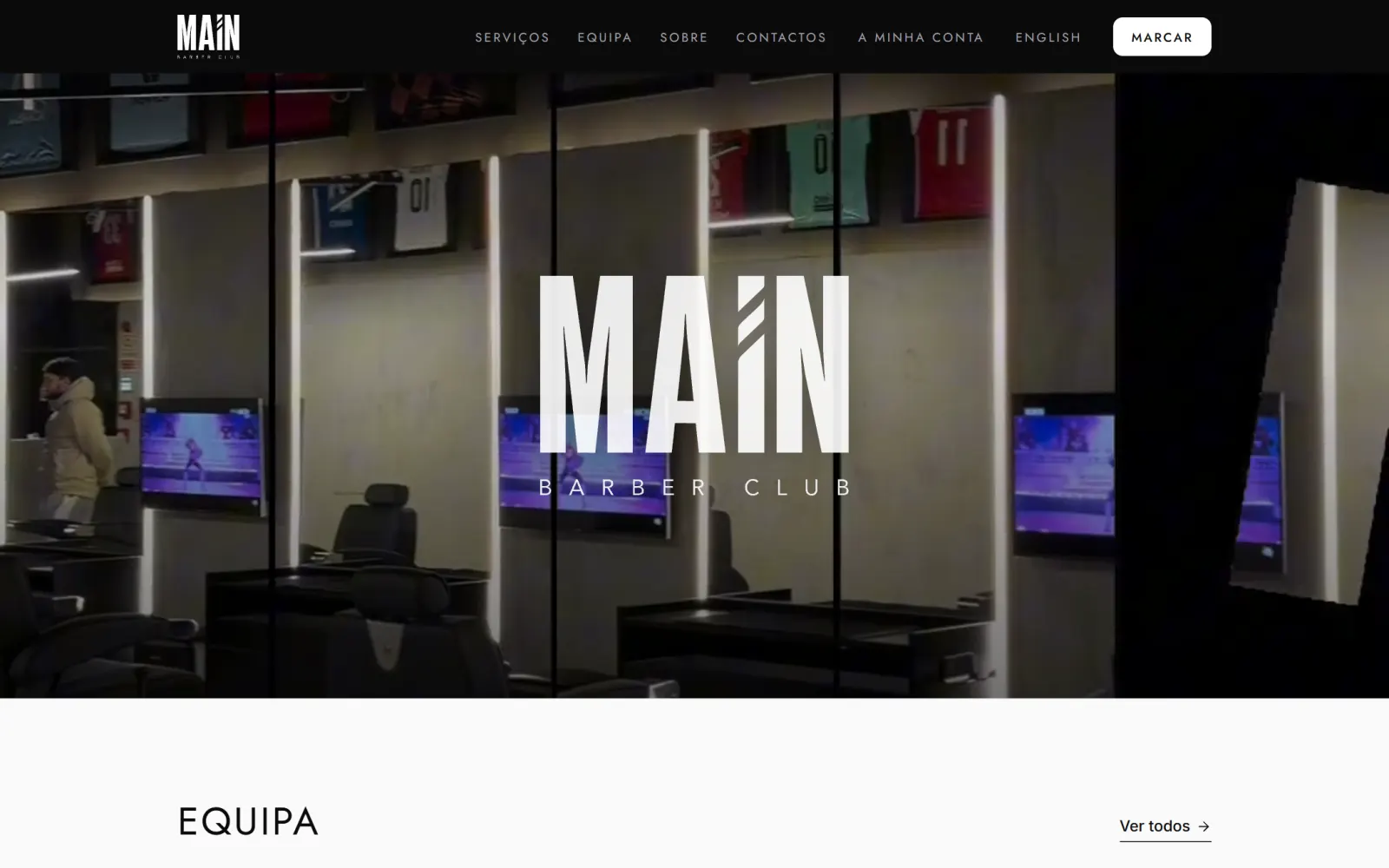 Example Main Barber Club Online booking, a native iPhone and Android app and an invoice issued when each service is closed.
How it works
-
Step 1
Rules
Map services, durations, staff and booking rules
-
Step 2
Reminders and payment
Set reminders, the cancellation policy and payment or deposit rules
-
Step 3
Development
Build the diary, online booking and back office
-
Step 4
Testing
Test with the team on the real diary before opening to the public
-
Step 5
Support
Ongoing support and rule adjustments after launch
Frequently asked questions
Can customers book on their phone without installing anything?
Yes. Online booking works in the phone's browser. A native app is an extra option for businesses that want to be on the App Store and Google Play.
How are double bookings prevented?
The slot is locked in the database at the moment of confirmation. If two customers pick the same time at the same moment, only one of them can complete the booking.
Can I take payment when the booking is made?
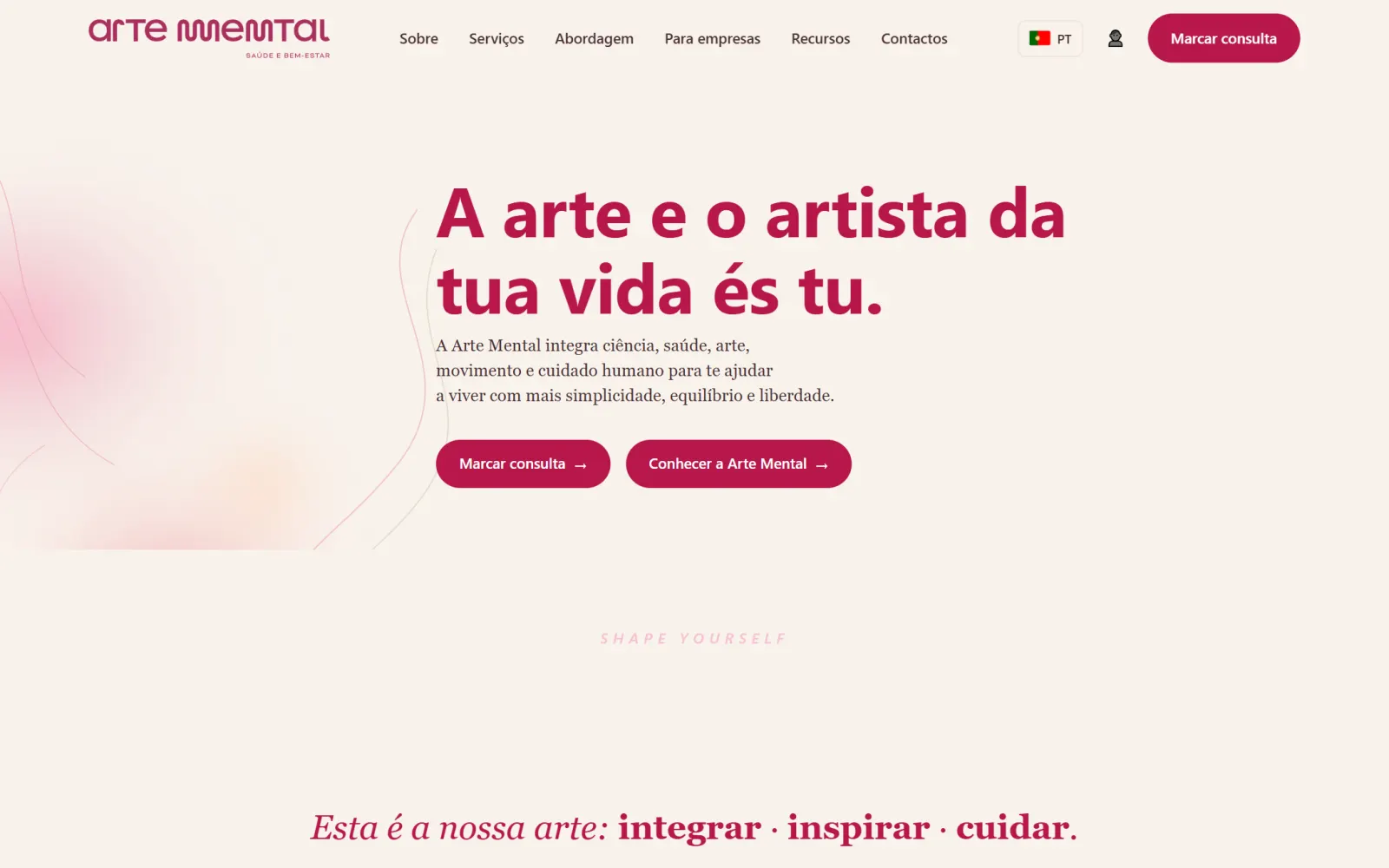
Yes, by MB WAY, Multibanco, card or PayPal, or as a deposit. At Arte Mental, payment confirms the appointment and the invoice-receipt is issued automatically in Moloni.
Have a project in mind? Talk to me.
Tell me what you need. I reply personally, usually on the same day.
 Denis PereiraI reply personally