
Mobile apps
Your business on your customers' phones
iPhone and Android apps connected to the same system as the website.
An app is only useful if it is connected to the rest of the business. The apps I build use the same system as the website and the back office: what happens in the app shows up in the office straight away.
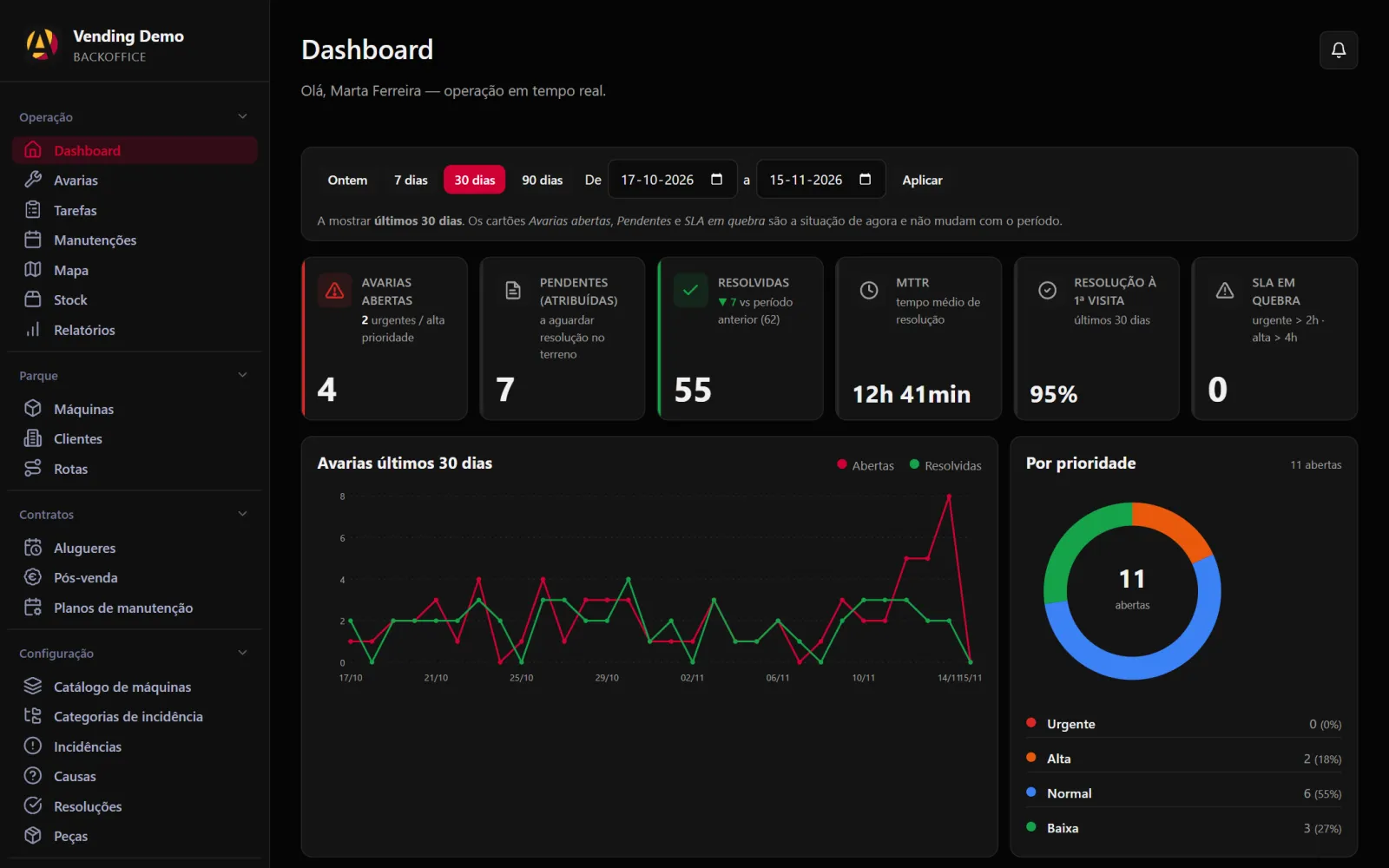
I build native iPhone and Android apps, like the Main Barber Club one, and installable apps that keep working offline, like the one Andreia's technicians use.
- Native iPhone and Android apps
- Installable apps that work offline
- Client mode and team mode in the same app
- Phone notifications
- Sign-in with SMS code or Face ID
- Connected to the same system as the website
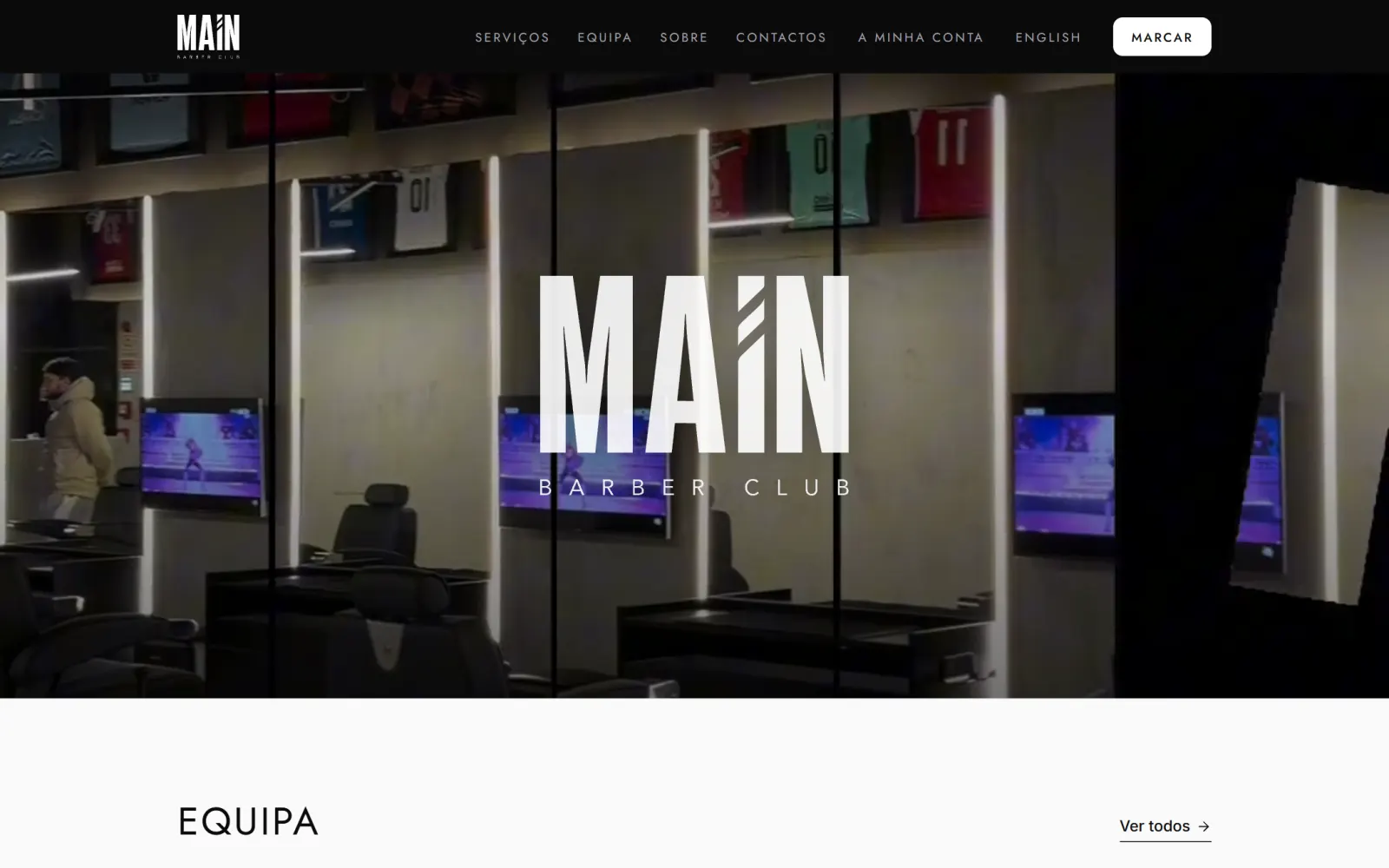 Example Main Barber Club Online booking, a native iPhone and Android app and an invoice issued when each service is closed.
How it works
-
Step 1
Who uses it
Work out who uses the app (customers, staff or technicians) and what must work offline
-
Step 2
Type of app
Choose between a native app and an installable web app, and design the API
-
Step 3
Development
Build, with test versions installed on the team's phones
-
Step 4
Launch
Release to the stores or direct install, depending on the type of app
-
Step 5
Support
New iOS and Android versions, fixes and features
Frequently asked questions
Native app or installable web app: which should I choose?
A native app makes sense when customers will look for it in the App Store or Google Play, or when you need Face ID and native notifications. For internal teams and field work, an app installed from the browser is quicker to roll out and can work offline.
Does the app work without an internet connection?
It depends on how it is designed. In Andreia's field app, technicians record their work and photos with no signal, and the data syncs when the connection returns, with no duplicate records.
Do I need app store accounts?
Publishing on the App Store and Google Play requires Apple and Google developer accounts. iPhone builds run in the cloud on Codemagic, and installable web apps need no store account at all.
Have a project in mind? Talk to me.
Tell me what you need. I reply personally, usually on the same day.
 Denis PereiraI reply personally